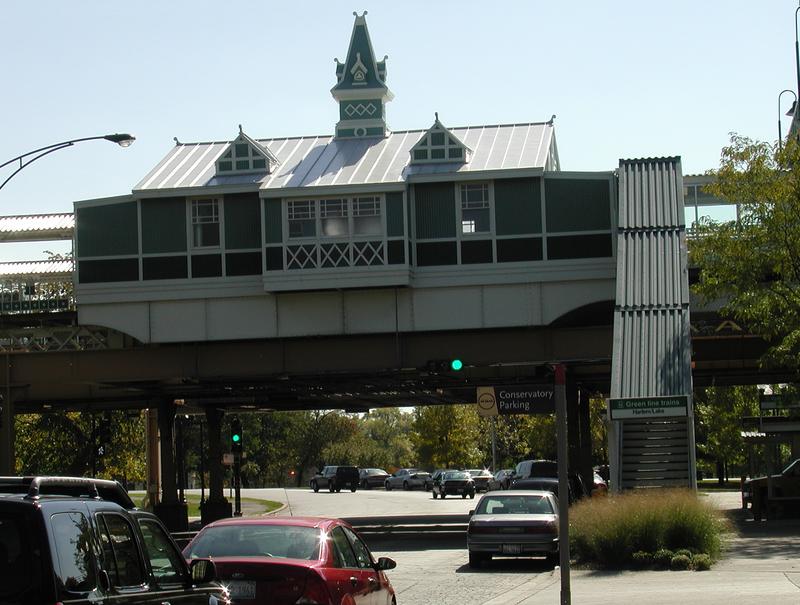
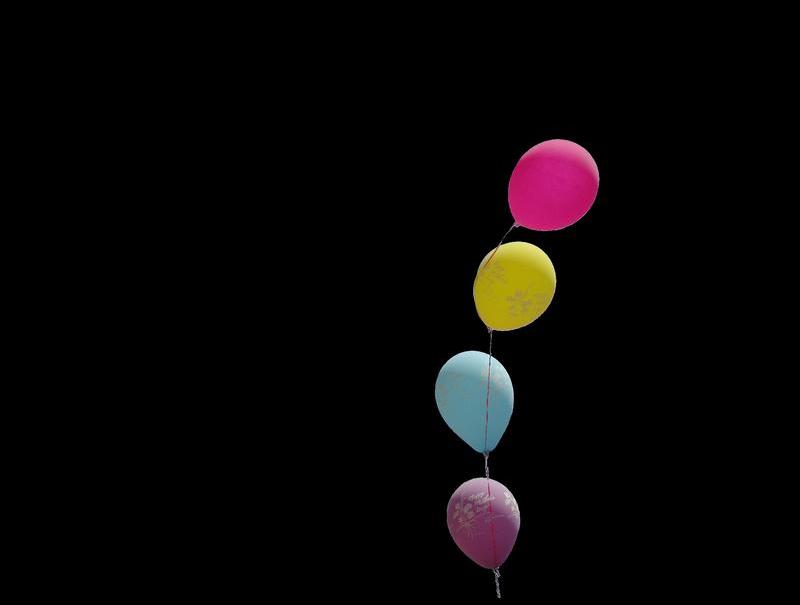
These are the starting images:
The background in the balloons image has been colored black with RGB values (0,0,0).
-------------------------------------------------------------------------------
1 a. Open the balloons image.
1 b. Unmask the black area of the balloon image using Mask>Set F2,F3 to Mask by Color.
1 c. Change color space to RGB Gamma 2.2.
1 d. Store image Shift+F11.
-------------------------------------------------------------------------------
2 a. Enter white (255,255,255) in top of Queue (hold control key down before clicking).
2 b. Color unmasked area white with Basic>Set Image to Color.
2 c. Press I key to invert mask.
2 d. Enter black (0,0,0) in top of Queue (or alternatively check any (0,0,0) entry).
2 e. Color unmasked area black with Basic>Set Image to Color.
2 f. Remove mask by pressing M key.
The result should look like this:
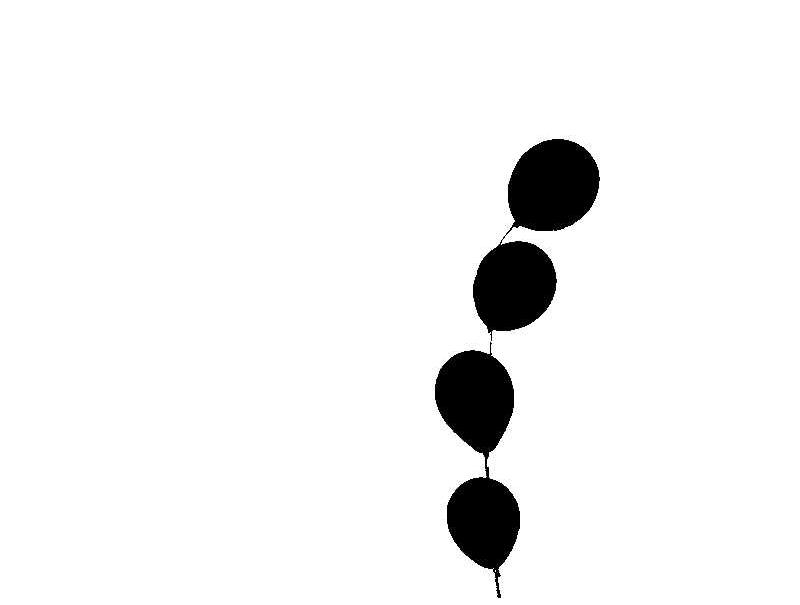
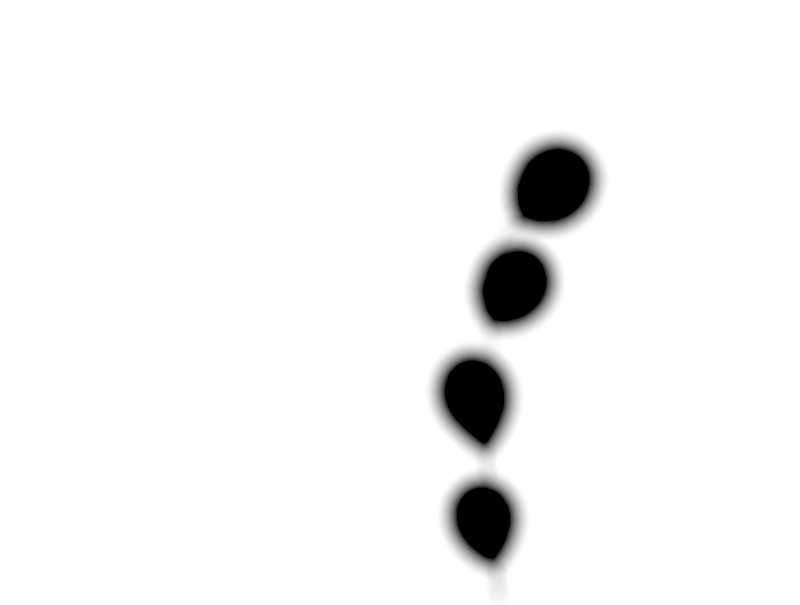
2 g. Apply Blur/Sharpen>Lens Blur with a radius setting of 10.
The result should look like this:
-------------------------------------------------------------------------------
3 a. Change color space to Log CMY.
3 b. Press X and then open background image into the top layer, i.e., Layer 2 of 2.
3 c. Add layers (Layer>Set F2/F3 to Add/Subtract Layers).
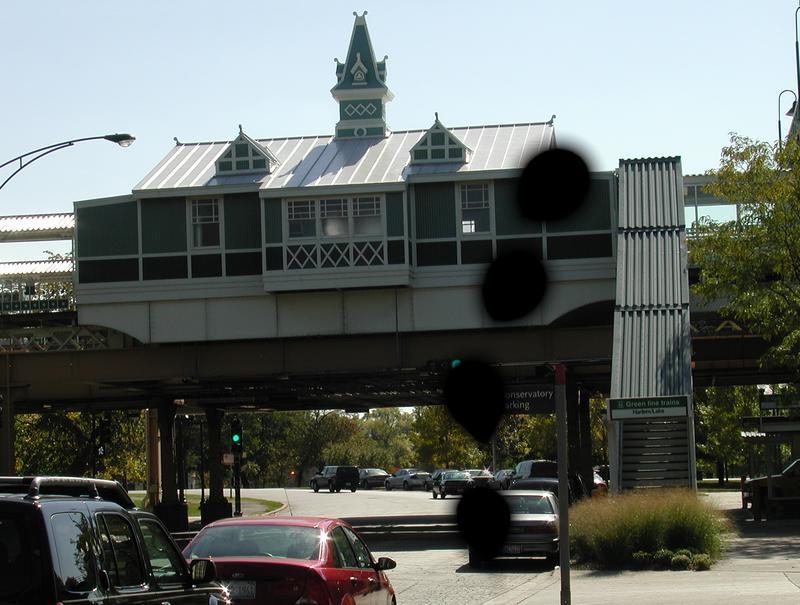
The result (in Layer 2) should look like this:
-------------------------------------------------------------------------------
4 a. Press X key to place Layer 1 on top.
4 b. Press F11 to recall image saved in 1.d.. Note that this automatically changes color space back to RGB Gamma 2.2.
4 c. Press M key to remove mask.
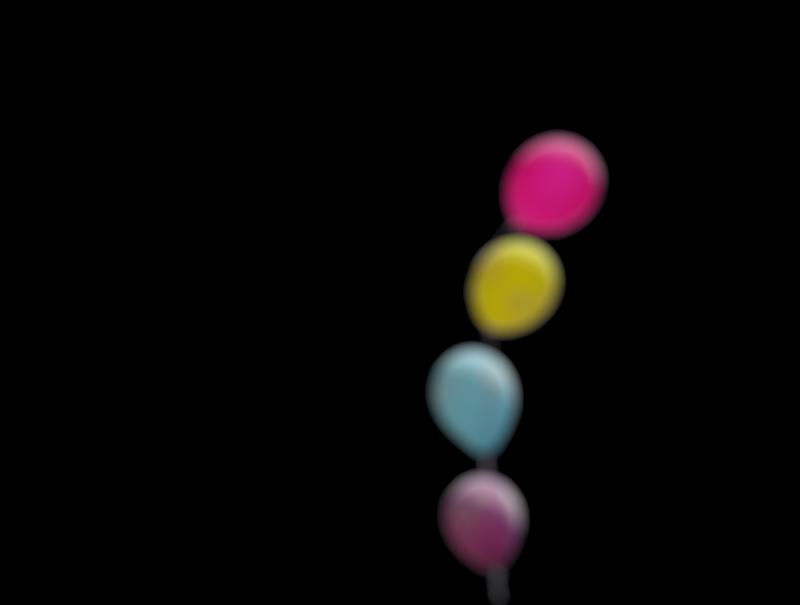
4 d. Apply Blur/Sharpen>Lens Blur with a radius setting of 10.
The result should look like this:
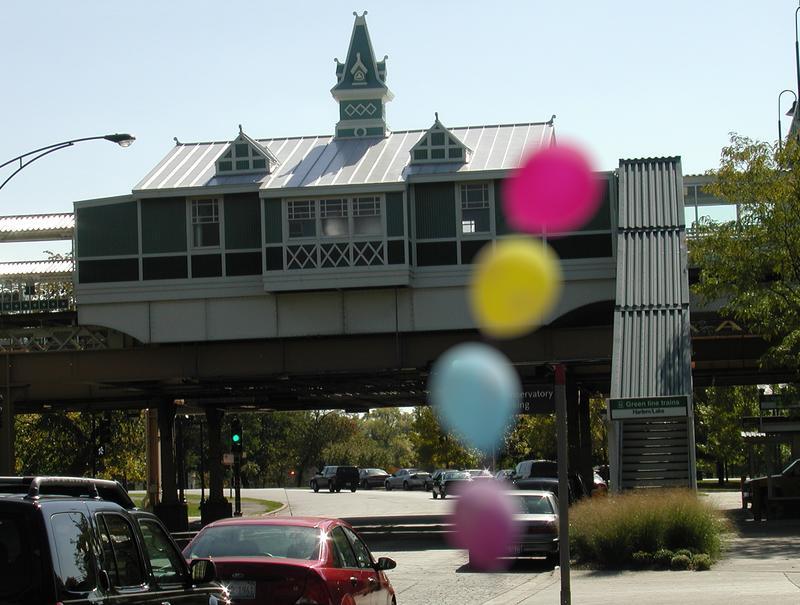
4 e. Add layers (Layer>Set F2/F3 to Add/Subtract Layers).
The final result should look like this:
-------------------------------------------------------------------------------